Day 3. Can AI and Search Systems Actually Access Your Site?
Even great content can't be read by anyone if it's blocked at the door.
Let's start with this scenario
You can write content that answers customer questions well, but if search systems can't find or read that page, your chances of being discovered drop. So before you scale up content production, you need to check one thing first: "Is our site's front door actually open?"
The two files people mention most often here are robots.txt and llms.txt. They sound similarly technical, but their roles are completely different.
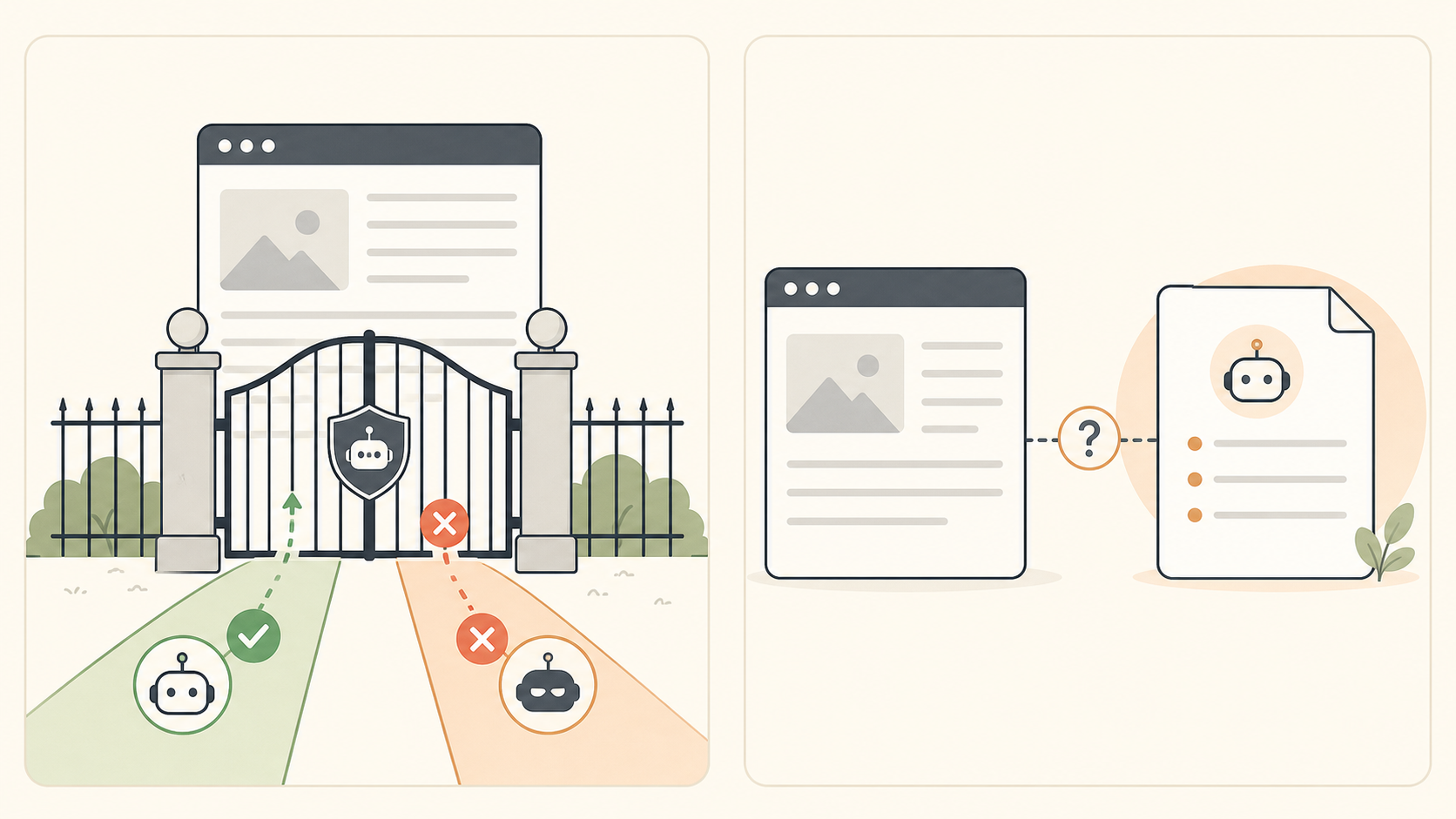
Today isn't just about checking. You'll decide whether to keep your current setup or apply the minimum necessary change, then verify the result after applying it.
robots.txt is a set of access rules
robots.txt is a text file you can view by adding /robots.txt to your site's domain. It communicates the site owner's access preferences to search engines and some automated crawlers — essentially, "please don't access this path."
Two things are worth remembering here:
- robots.txt is not a ranking booster. It's simply one of the basic conditions for making public pages readable.
- Blocking is not deleting or securing. Never protect sensitive information with a single line in
robots.txt. Use login requirements and permission settings to actually restrict access.
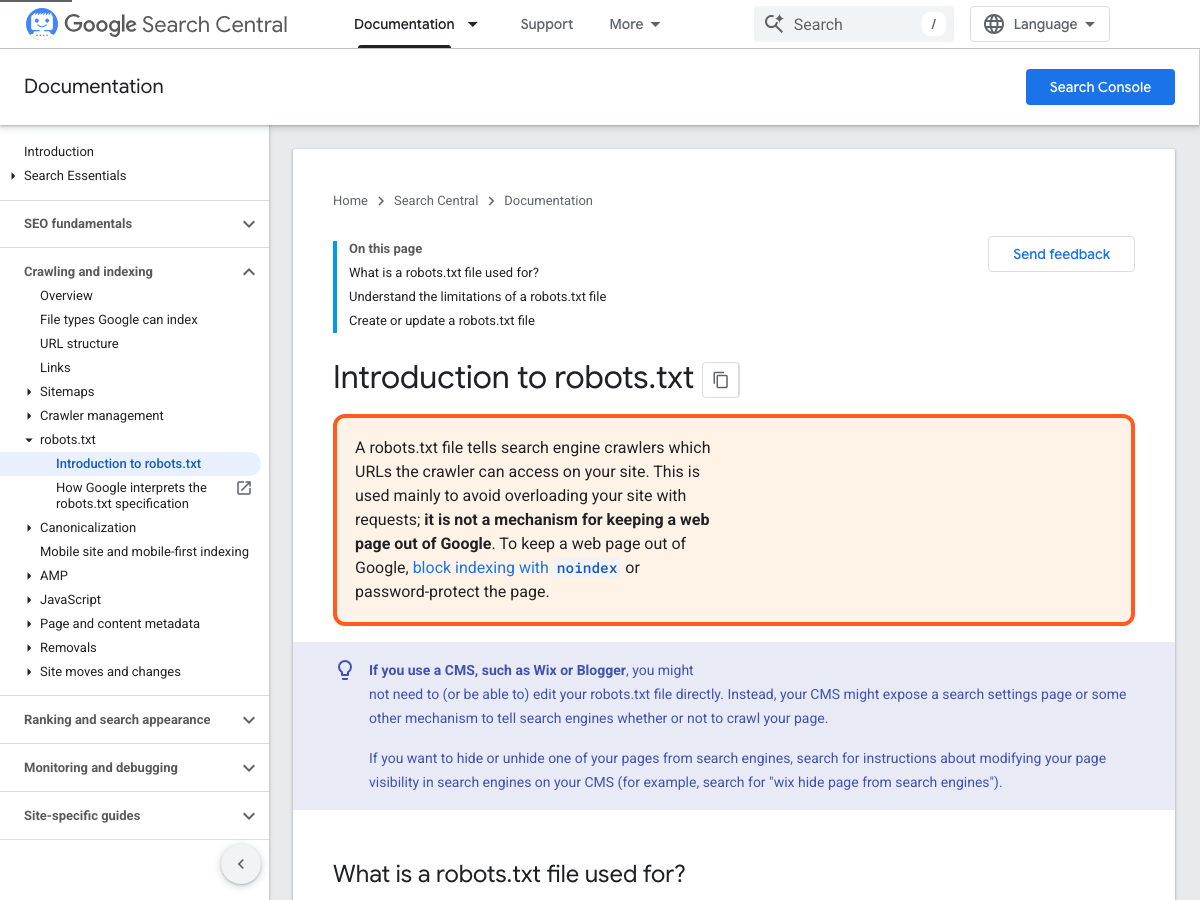
Source: Google Search Central's Introduction to robots.txt
To make sure public PDPs and guides get read, don't accidentally block them in robots.txt. For private pages, use authentication, passwords, and proper indexing controls instead of robots.txt. Remember: allowing crawling and excluding something from search results are two different settings.
If products, FAQs, or guides you want public are blocked from a specific crawler, it's worth checking. But copying an entire file to overwrite your own, or deleting rules you don't understand, can unexpectedly open or block product, order, and admin pages.
llms.txt is not yet a "required entry point"
llms.txt is often described as a way to introduce your site to AI, but it's not a standard file universally required by all AI services or search engines. Creating this file doesn't guarantee AI search visibility or citations either.
So treat llms.txt as an optional setting. Your priority should be making sure the product info, FAQs, and guides your customers actually read are accurate — and confirming those pages are publicly accessible. If you already have a file, just check that it points to your current official pages. If you don't have one, you don't need to create it today.
Is your site's door actually open?
Type your domain into your browser and open these three URLs in order.
yourdomain.com/robots.txt— Does the file load? Are there any rules that appear to block key product or content paths?yourdomain.com/sitemap.xml— This is the list of pages your site tells search systems about. Check whether your key products or content pages appear here.yourdomain.com/llms.txt— Just check whether the file exists. Not having one is not a problem.
Don't edit rules you don't understand. Save screenshots and URLs instead. In the next step, you'll clearly determine whether there's an actual problem and who needs to fix it.
Ready to finish configuring it?
Based on what you found, complete one of these three today.
1. If public pages aren't blocked: confirm your current setup
If your key products, FAQs, and guides aren't blocked and appear in the sitemap, keeping things as-is may be the right call. Log it as Keep current settings along with the date and URLs you checked. There's no need to create a new robots.txt or llms.txt unnecessarily.
2. If public pages are blocked: apply a minimal fix and re-verify
If you know exactly where to make the change in your platform admin and understand the impact, apply the minimum change needed to open only the specific paths for your key public pages. Save a screenshot before making the change, then reopen robots.txt and your key URLs afterward to confirm.
If you don't know where to make the change or don't have developer access, send the request form below to whoever does. In this case, completing Day 3 means sending a verifiable configuration request — not guessing at a fix yourself.
Access Configuration Request
URL checked:________________
Current rule or error observed:________________
Public page(s) that need to be opened:________________
Minimum change requested:________________
Who will re-verify after the change, and when:________________
3. If you decide to use llms.txt: keep it as a simple link list
If you decide to maintain llms.txt, don't copy in new product descriptions — instead, have whoever owns it create a short list of public, official pages. Link to current pages that customers actually see: key products, FAQs, brand info, and policies. After creating it, confirm that yourdomain.com/llms.txt loads correctly.
This file is just a supplementary guide. It can't fix inaccurate or missing information in your existing product pages, FAQs, or guides.
If you're on Shopify
Shopify automatically generates robots.txt and sitemap.xml by default. If your key products, collections, and blog pages load properly and aren't blocked in /robots.txt, leaving the settings alone is the completed task.
Only consider making changes if public pages are actually blocked, or if there's evidence someone has already customized robots.txt.
- Check first — Open
yourdomain.com/robots.txtandyourdomain.com/sitemap.xml, and confirm your key product URLs are public. - If there's no problem — Log it as
Keep current settings. Shopify's default rules work fine for most stores. - If there is a problem — Go to
Online Store > Themes > Current theme's ... > Edit codeand check whethertemplates/robots.txt.liquidexists. Don't copy rules and overwrite it yourself — instead, tell a developer or Shopify Partner exactly which public URL is being blocked by which rule. - On llms.txt — This isn't part of Shopify's official default SEO settings. Rather than creating this file, prioritize fixing the accuracy and public status of your products, FAQs, and guides.
A customized Shopify robots.txt.liquid can affect your entire site's traffic if edited incorrectly. If you make a change, always reopen /robots.txt and your key product pages afterward to verify. Official Shopify guide
If you're on another ecommerce platform
Use the same verification sequence regardless of platform: open the public robots.txt, confirm key product and content URLs appear in sitemap.xml, and check whether the platform or an installed app has added crawl restrictions. Keep admin, cart, account, and checkout paths protected. If a public page is blocked, ask the site owner or developer to open only the minimum path needed, then verify the exact URL again.
Platform controls can manage crawl access, but they do not guarantee search indexing or AI visibility. Treat llms.txt as optional documentation rather than a ranking switch, and always verify the public files on your own domain after a change.
Time to check your own site
Log one conclusion from today in your Bulti Day 3 record.
Day 3 Access Configuration Result
robots.txt:Kept current settings / Applied minimal change / Request sent to teamsitemap.xml:Key pages confirmed / Needs checkingllms.txt:Not in use / Existing file confirmed / New file published
Result after applying the change or sending the request:________________
If you've made it this far, that's enough for today
- I understand that
robots.txtandllms.txtserve different purposes. - I checked whether key public pages are blocked.
- I checked the current policy in my ecommerce platform or crawl-control app.
- I completed one of: keeping current settings, applying a minimal change, or sending a request to the responsible team.
- If I made a change, I re-verified it afterward, and treated
llms.txtas optional.
Tomorrow you'll want to know
Having an open front door doesn't mean you can actually answer a customer's question. Tomorrow, we'll figure out where a given customer question should be answered — on a product page or in content.